What is an AI presentation maker?
An AI presentation maker is a tool that helps create a presentation from instructions or source content. It
can propose an outline, generate slide text, suggest layouts, and assemble a first draft. You should still
review the information, adjust the structure, and tailor the slides to your audience before presenting.
Can AI create a PowerPoint presentation?
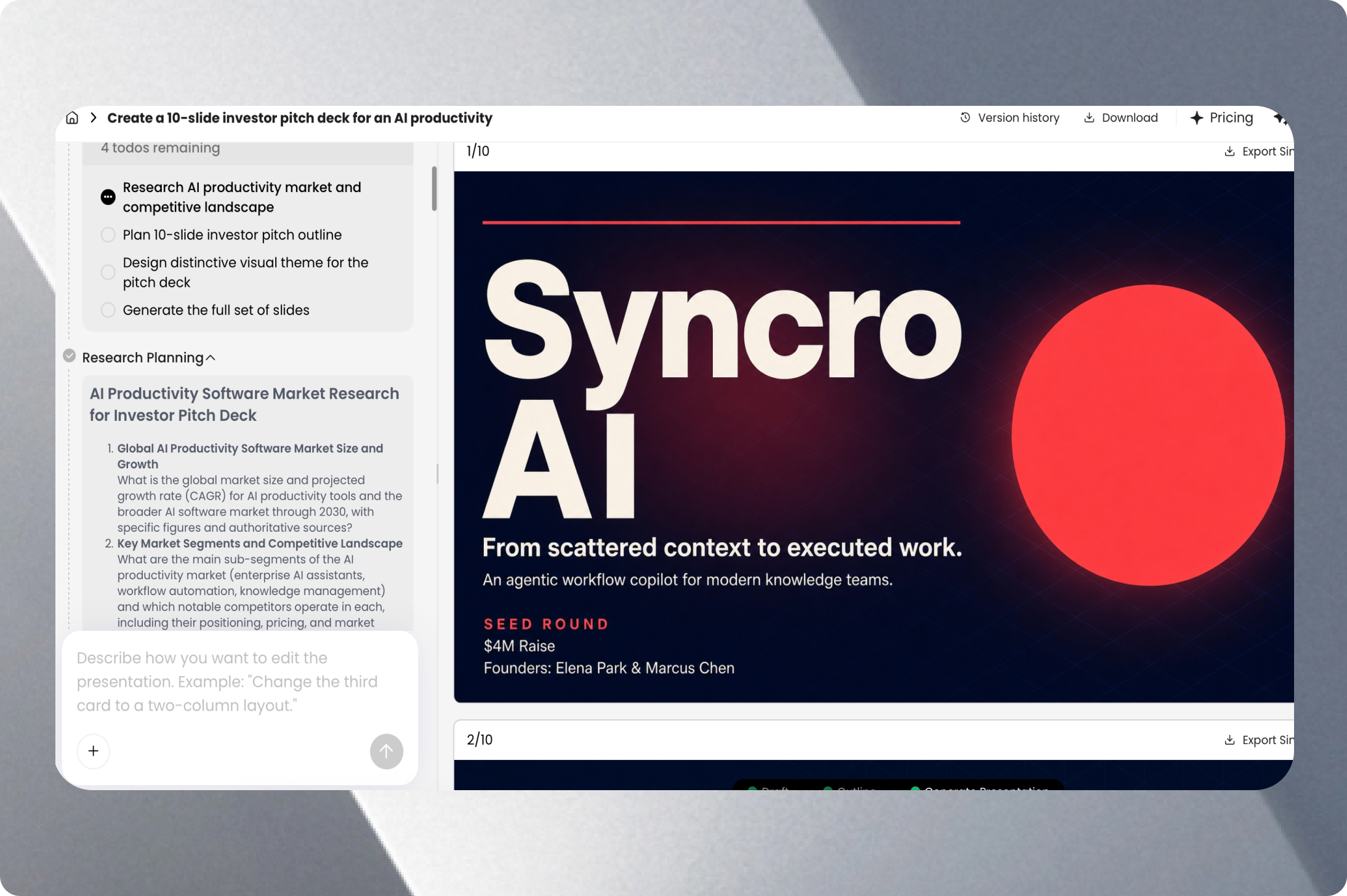
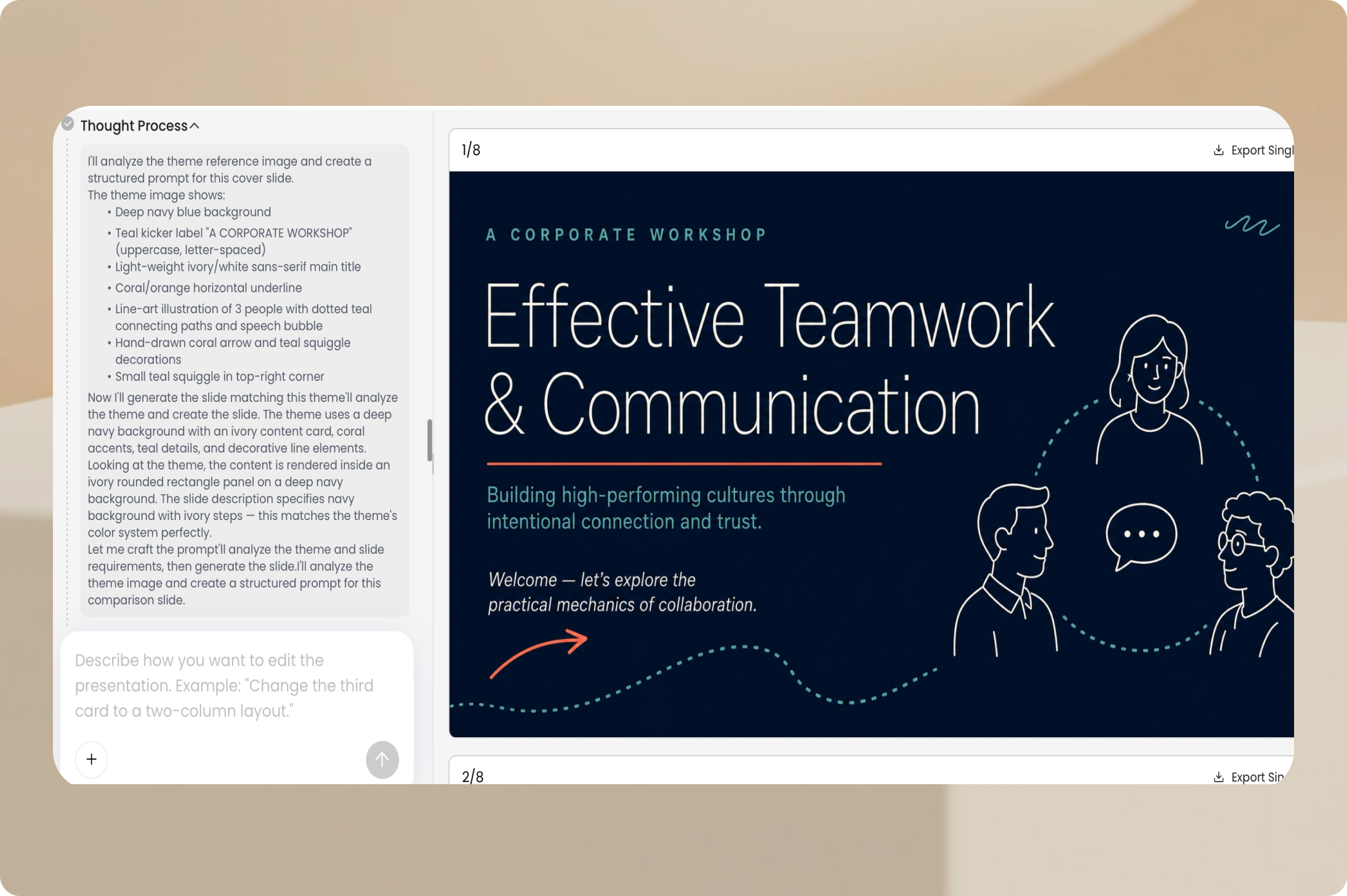
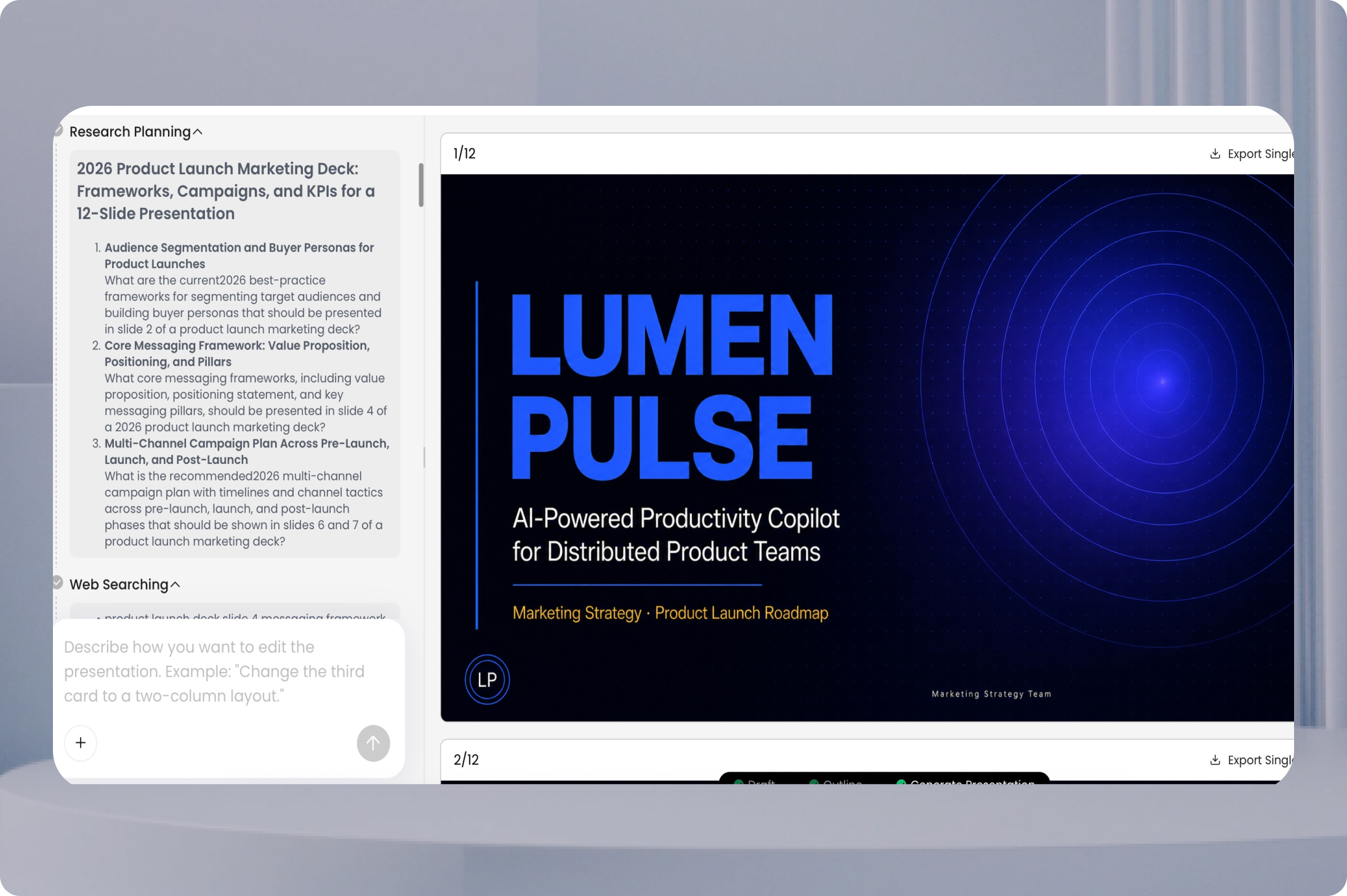
Yes. You can use AI to create a PowerPoint-style presentation from a prompt or existing material. With PopAi,
you can generate a deck, edit the slides online, and export the result as a PPTX file for continued work in
compatible presentation software.
How do I use PopAi to create a presentation with AI?
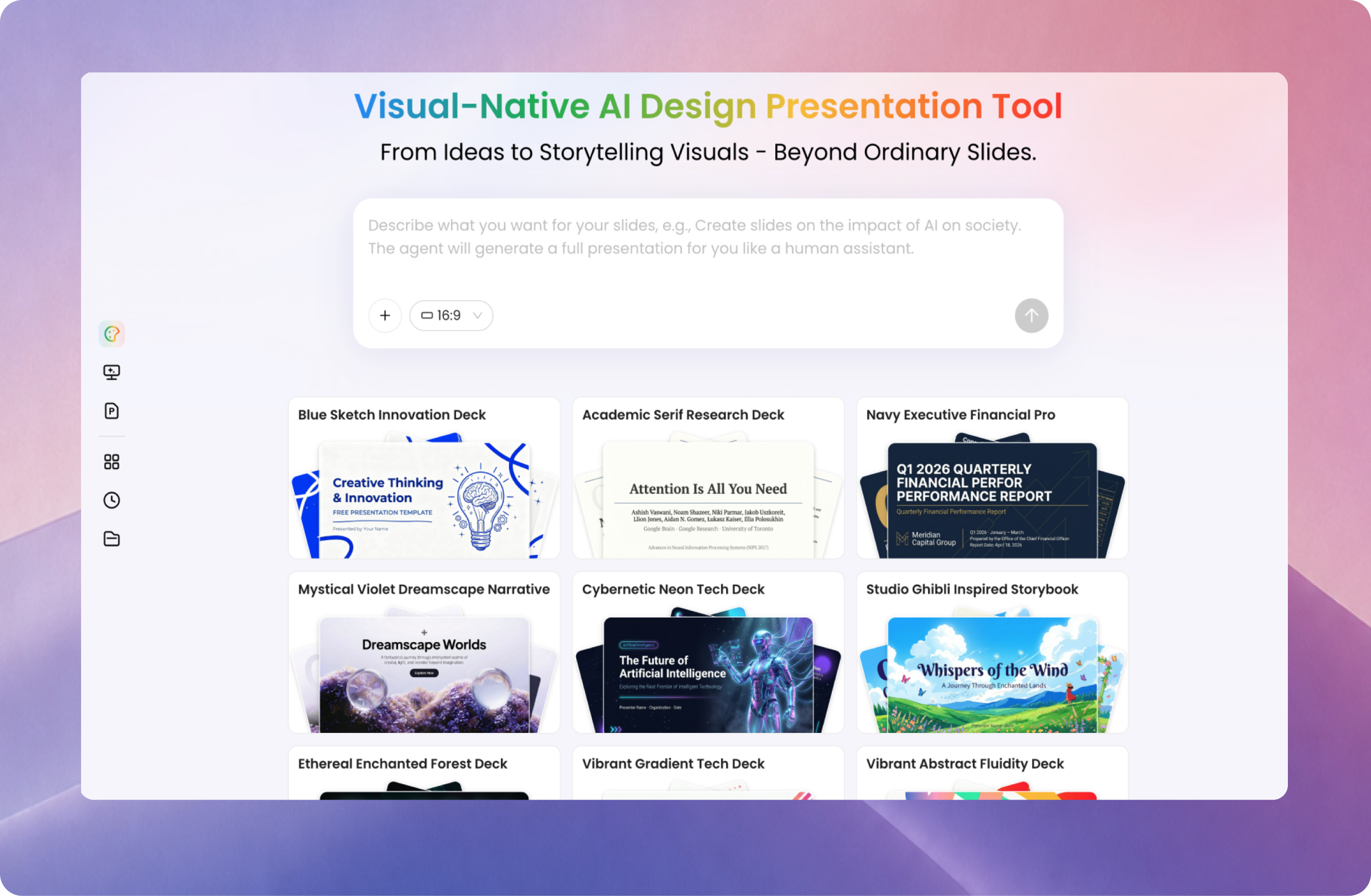
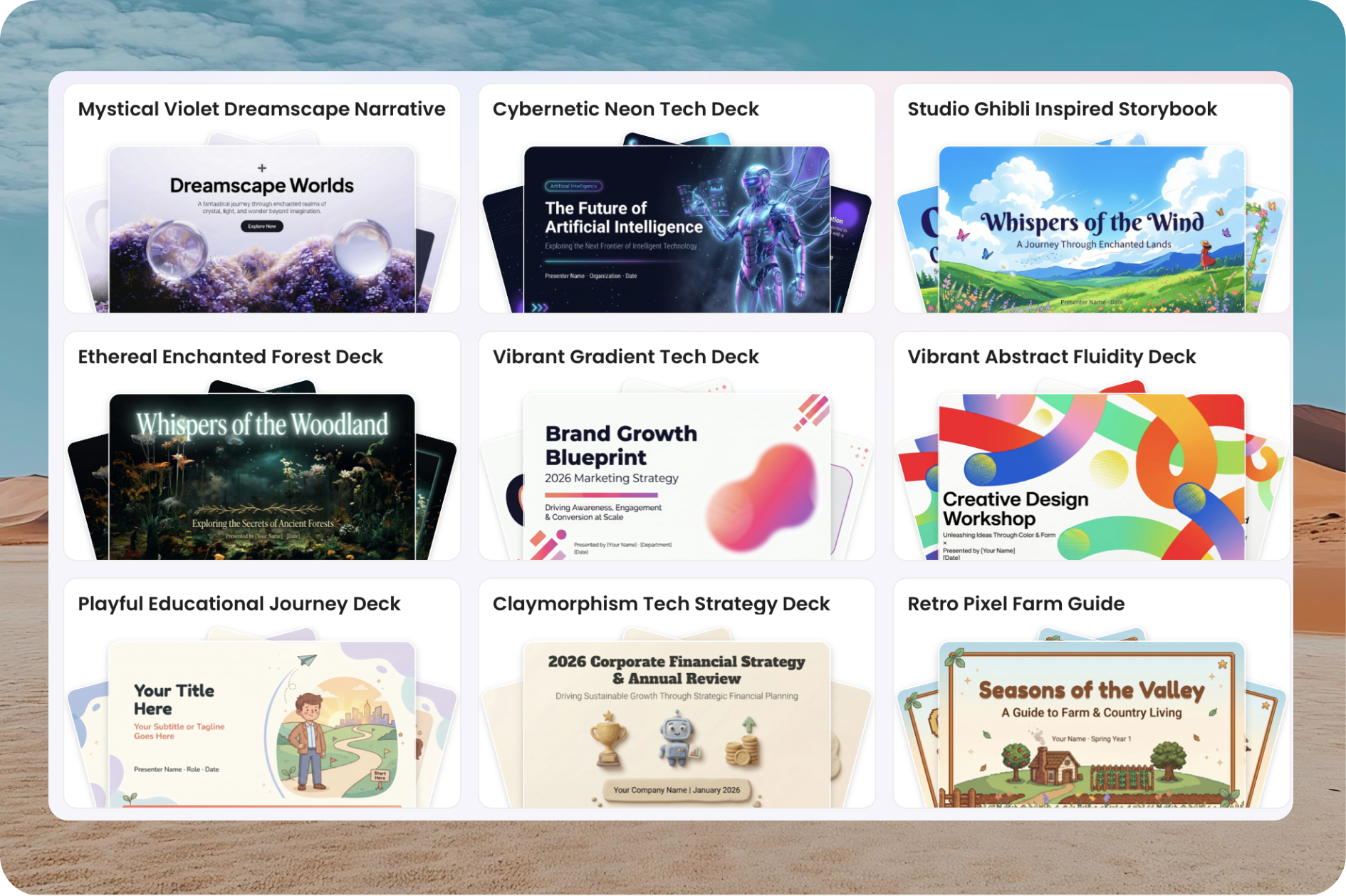
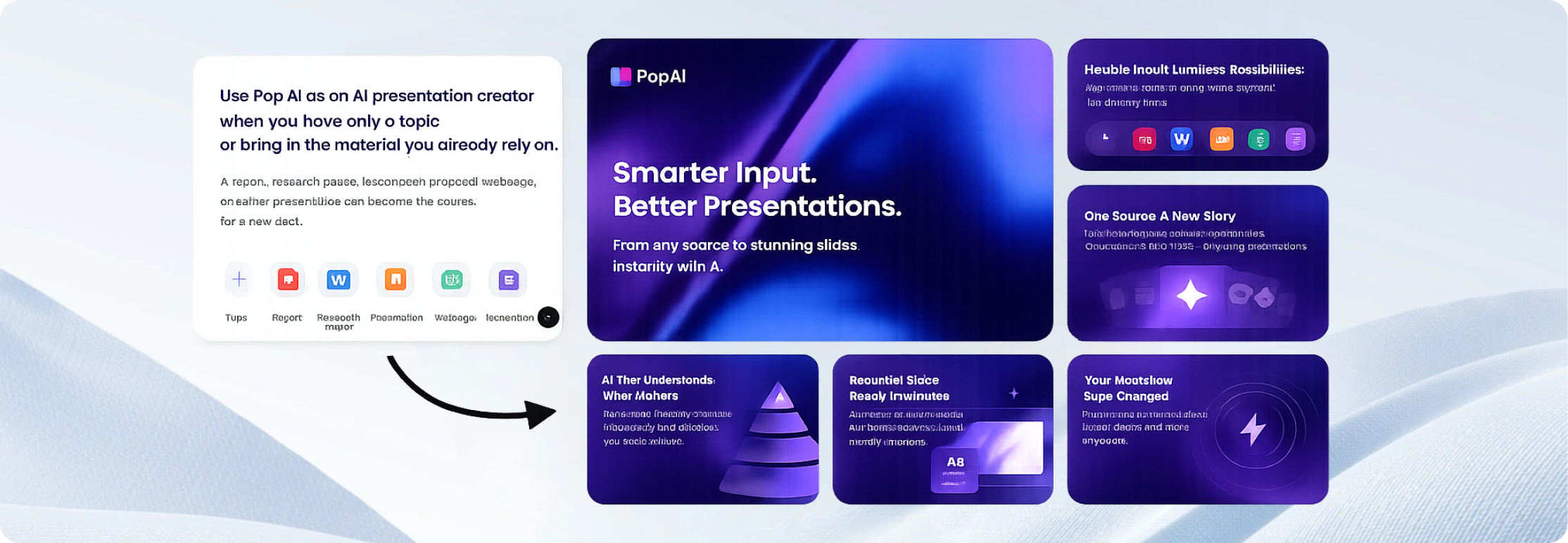
Enter a topic or upload a supported file, review the proposed outline, choose a template or style, and
generate the slides. Then edit the content and visuals, check the key facts, and export the finished deck as a
PPTX or PDF or share it by link.
Can I turn a PDF or Word document into a presentation?
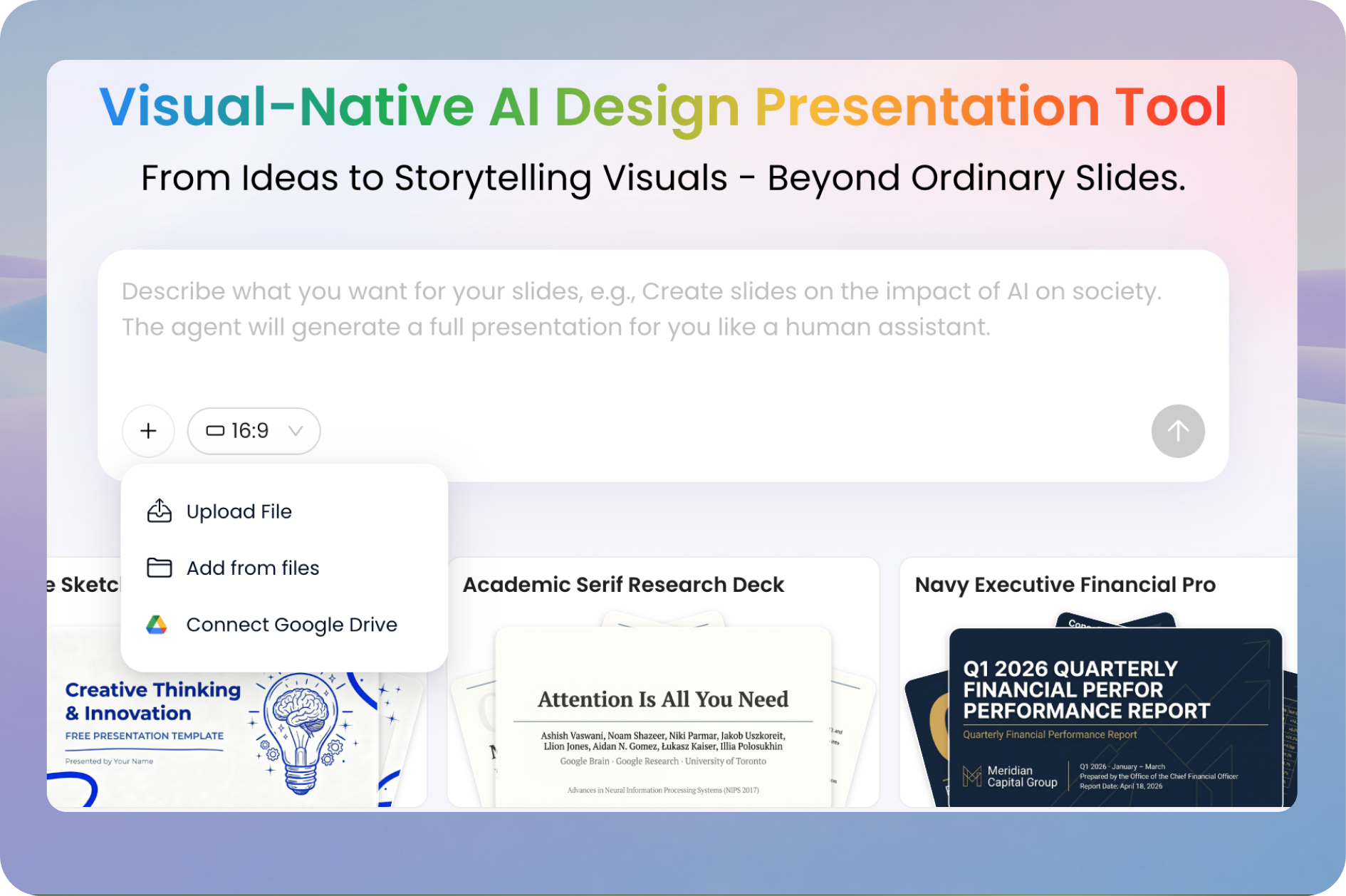
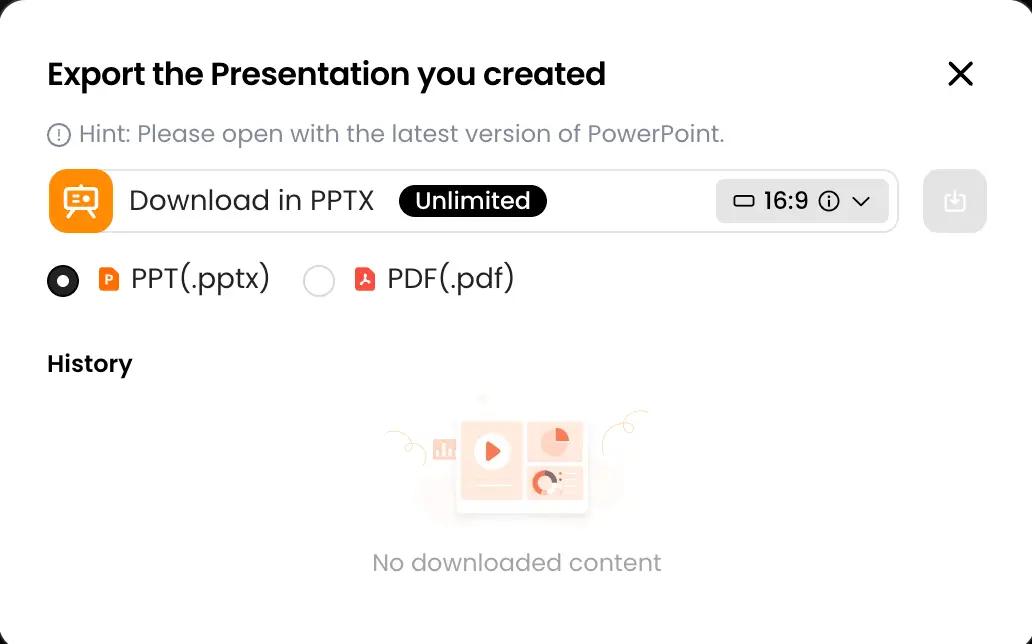
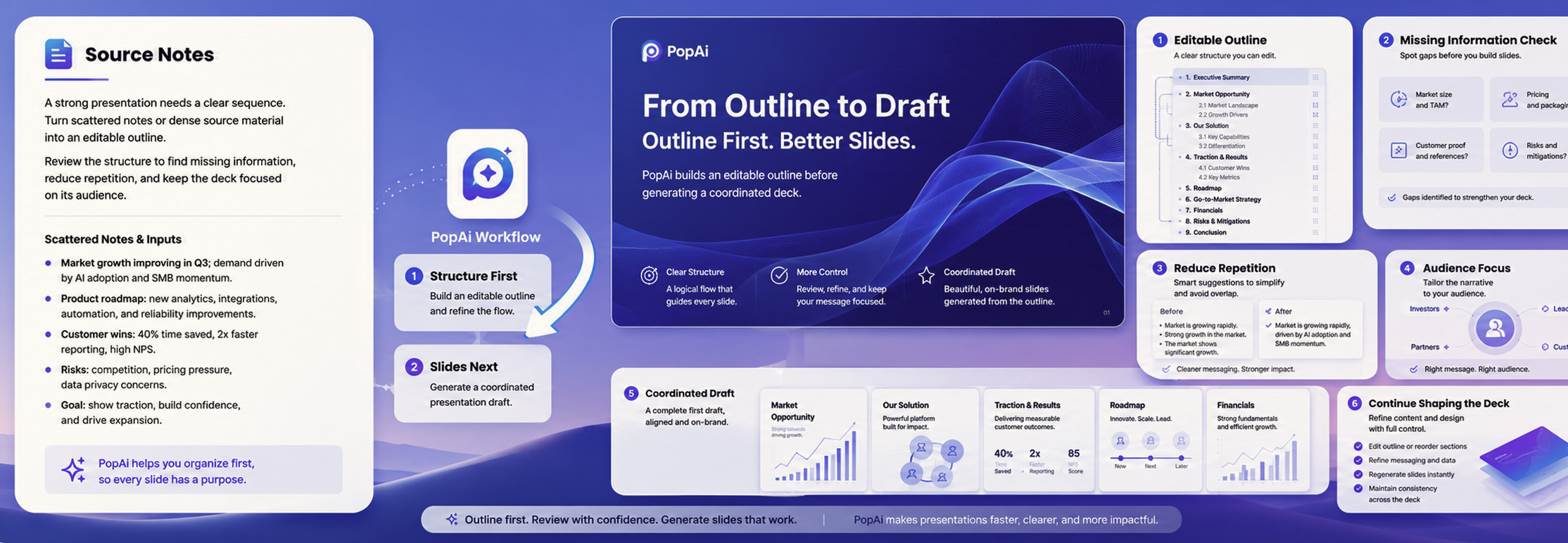
Yes. Upload a PDF or Word document and PopAi can identify the main points, organize them
into an outline, and create an editable presentation draft. For long or technical
documents, review what was included or omitted and check important figures and citations
against the original file.
Can I use an existing PPTX file as a starting point?
Yes. A PPTX file can be used as source material for a new presentation workflow. Review the
generated outline and slides to make sure the new version preserves the ideas you need and
fits the new audience or purpose.
Can I edit an AI-generated presentation?
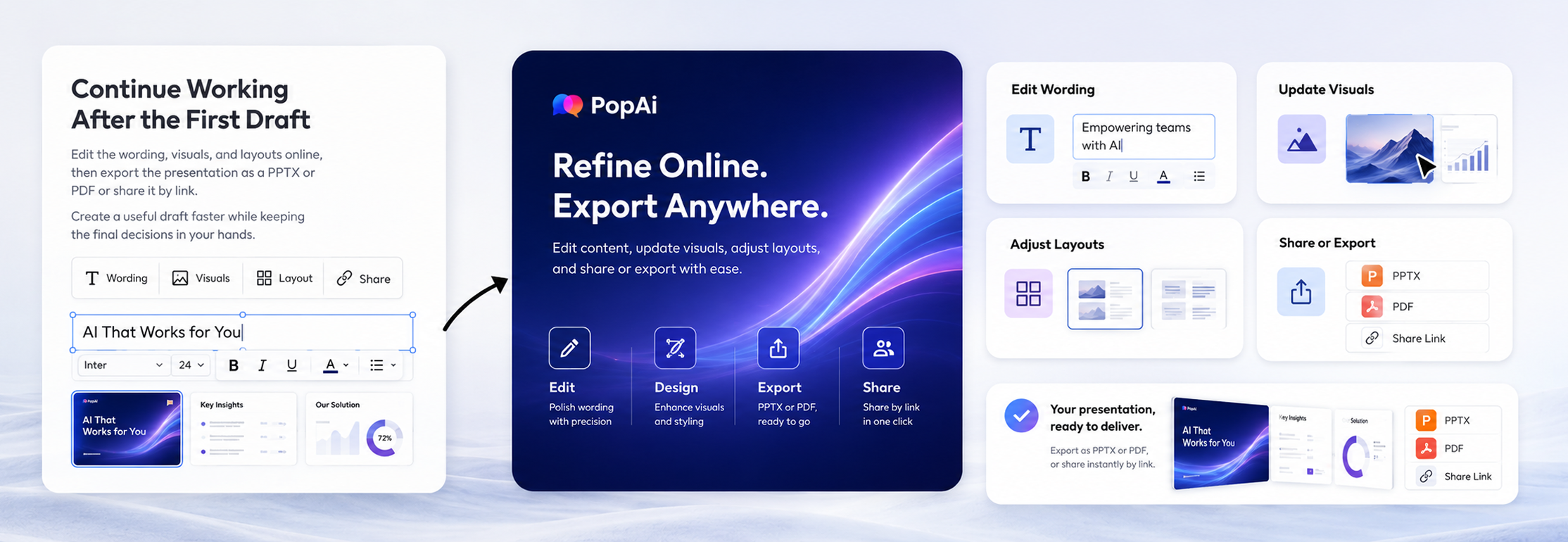
Yes. PopAi lets you refine the generated content in its online editor. You can revise text,
change images, adjust layouts, and continue improving the presentation before exporting or
sharing it.
Can I export the presentation to PowerPoint or PDF?
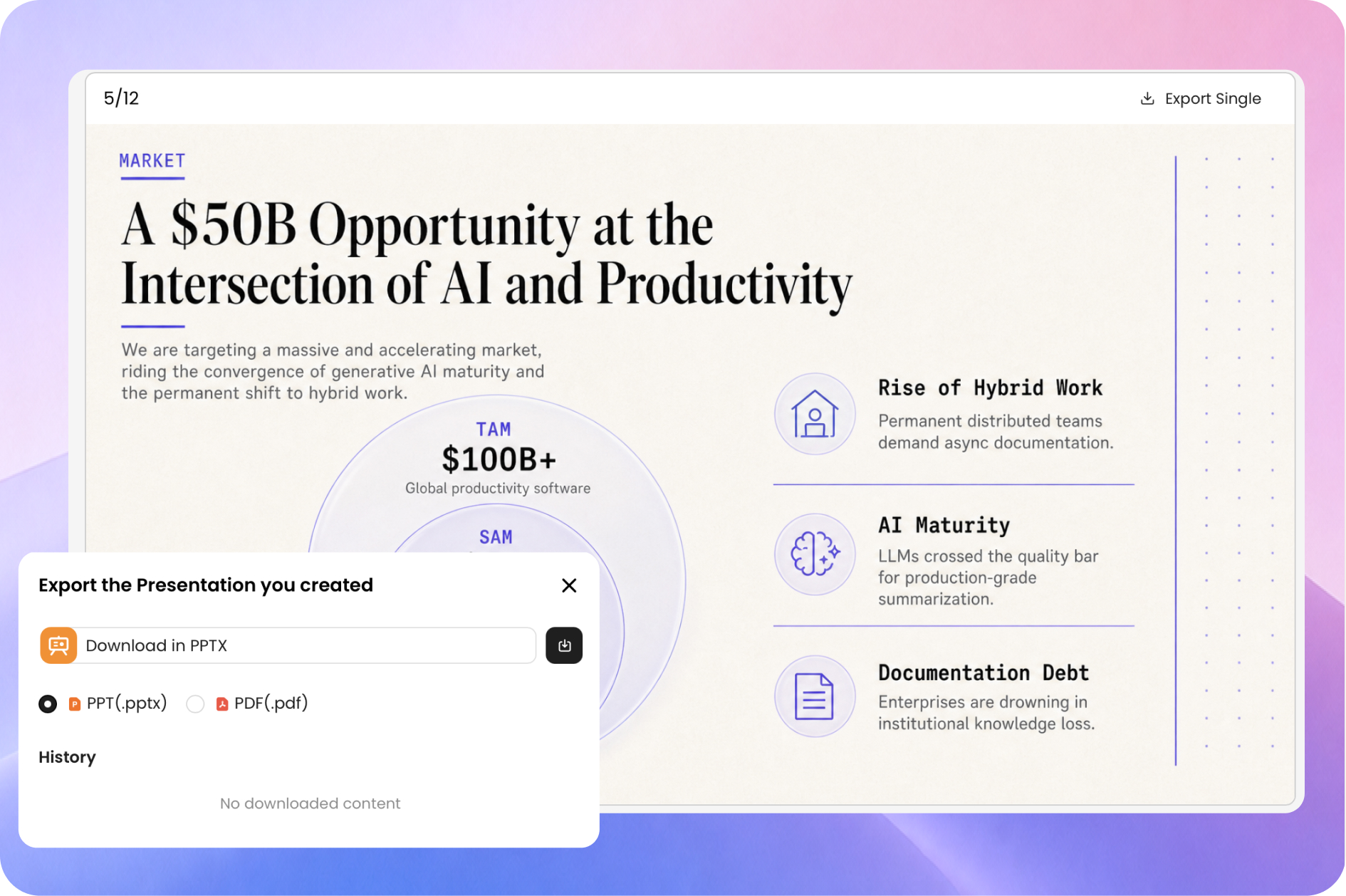
PopAi supports export to PPTX and PDF. Exporting to PPTX lets you continue editing in
compatible presentation software, while PDF is useful when you want to share a fixed
version. Always open the exported file and perform a final visual check before presenting
or distributing it.
What types of presentations can I make with PopAi?
You can create business proposals, project updates, sales decks, marketing reports, lesson
slides, training materials, research presentations, onboarding decks, and other common
presentation formats. The output will be more useful when the prompt clearly states the
audience, objective, tone, and required sections.
What should I include in an AI presentation prompt?
Include the topic, audience, purpose, tone, desired length, and any points that must
appear. For example: "Create an eight-slide onboarding presentation for new sales
representatives. Use a friendly, practical tone and cover the sales process, CRM
expectations, key resources, and first-week tasks."
Is an AI-generated presentation ready to present immediately?
Treat it as an editable first draft. Check the facts, figures, quotations, citations,
names, and dates. Remove unsupported claims, make sure the structure fits your goal, and
adjust the language and visuals for the people who will see it.